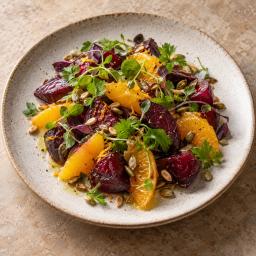
Starter
Chef playground
The left side is your chef setup. The right side shows how those choices appear to a client. Try a setting, then use the course buttons in the preview to browse the result.
Chef setup · left side
Set the menu options available to clients.
01 · Service
02 · Courses
The sharing dishes are always included in this example. Starter, dessert and canapés can be offered separately.
03 · Price
Client preview · right side
This updates as you change the chef setup. Course buttons filter the dishes below.
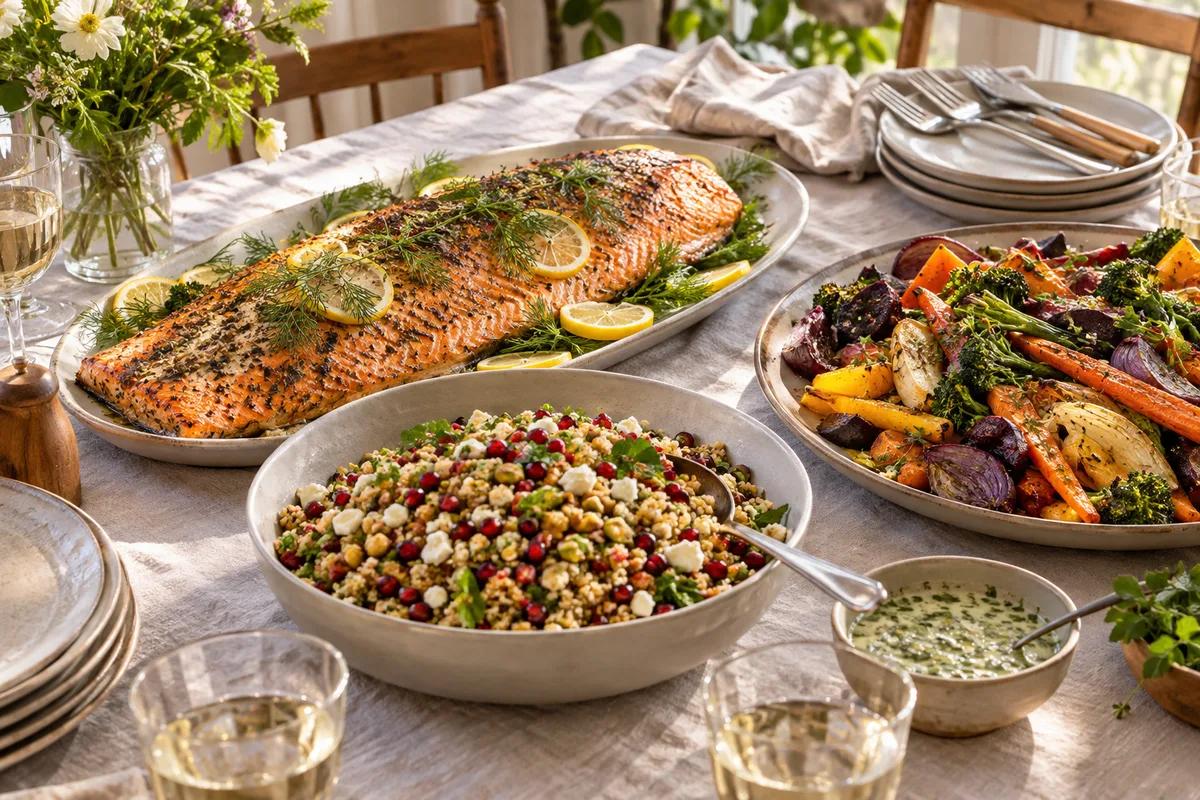
Client view · 10 guests
One selection for the table, with any chosen plated courses around it.
Starter
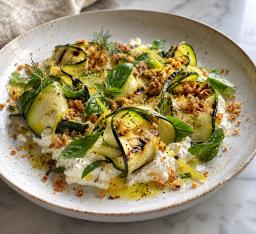
Starter
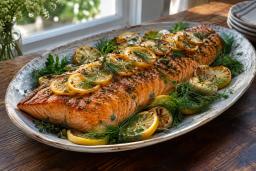
Sharing dishes
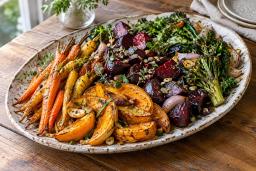
Sharing dishes
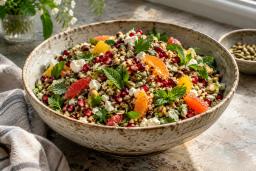
Sharing dishes
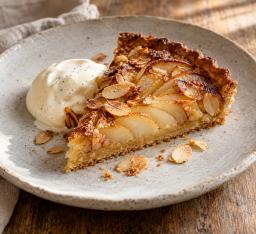
Dessert
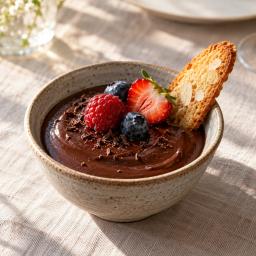
Dessert
Selected dish supplement: +£7 per guest
Illustrative total: £450
Preview only. No enquiry is sent from this playground. Try the working client journey →
The working sample menu shows the current customer flow. This playground previews additional chef controls; changes here are not saved to the live sample.